Search for Entities
Before you start
The search.read permission.
1. Choose the strategy
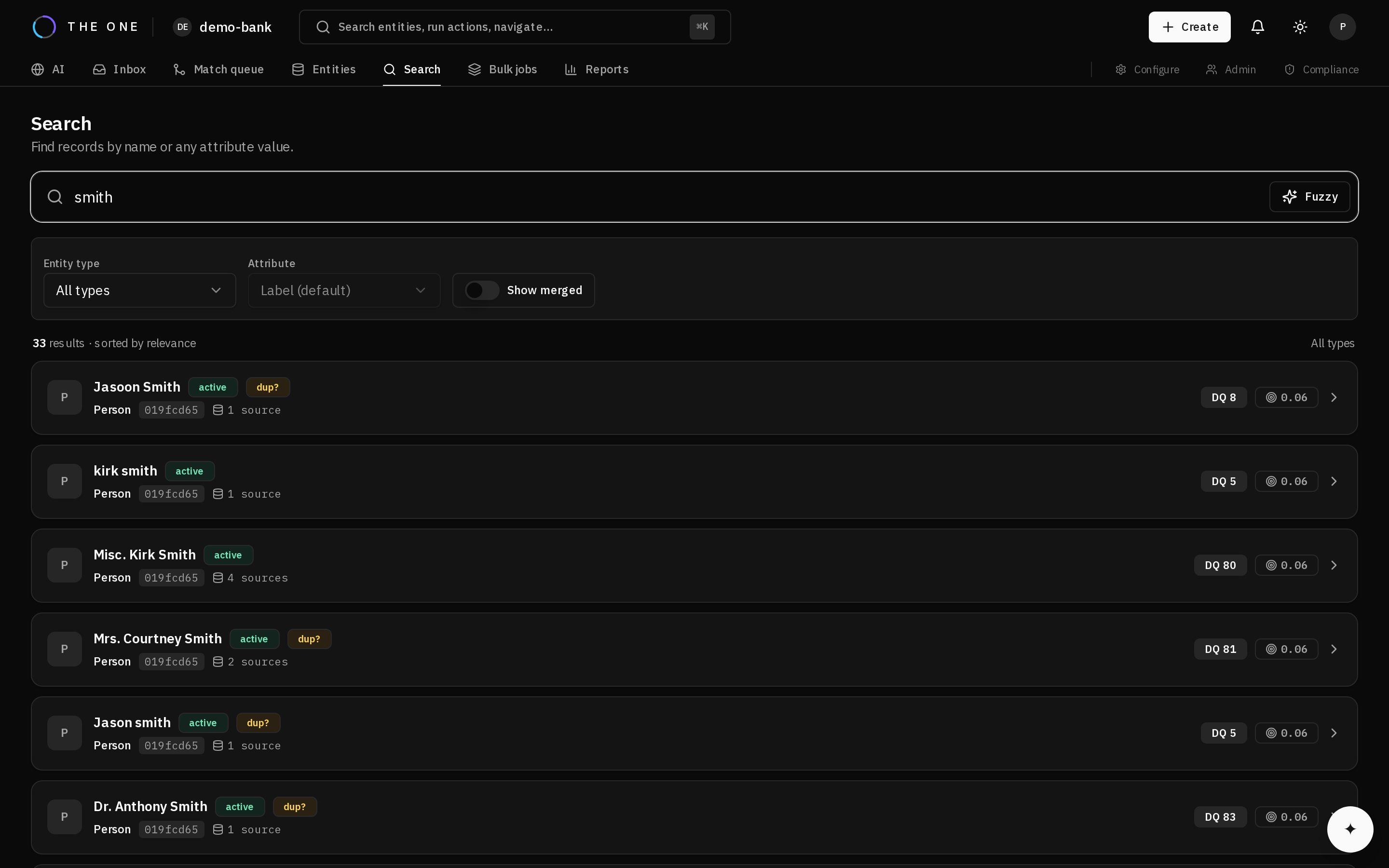 Search results. The strategy that matched is not shown per row — you choose it in the query.
| Looking for | Use |
|---|---|
| A person by name, possibly misspelled | Fuzzy label search — set the fuzzy flag |
| A record by an identifier, email, or code | Attribute-scoped search |
| Anything mentioning a term | Full-text search |
2. Narrow it
Filter by entity type whenever you know it — it reduces the work substantially and removes whole classes of irrelevant result.
Filter by status to exclude inactive records, and page rather than requesting large result sets.
3. Search a specific attribute
Attribute-scoped search matches within one attribute. For a lookup-bound attribute it matches the resolved label as well as the stored code, so searching for a place by its name works even though a code is what is stored.
4. Include merged records when you need them
Merged records are excluded by default, since a merged record is an alias for its survivor rather than a separate thing. Include them when reconciling against a system that still holds the old identifier.
5. Interpret results honestly
Results reflect your permissions:
- Records hidden by a ABAC policy are absent.
- Matched values are masked if masked for you.
- Result counts reflect what you may see, not what exists.
It may exist and be invisible to you. Before concluding data is missing, check whether a ABAC policy applies — particularly when reconciling counts against a source system, where a mismatch is easily misread as data loss.