Run a Bulk Load
Before you start
- Entity types, standardization, and validation configured. Loading first and configuring afterwards means recomputing everything.
- The
bulk-job.createpermission.
1. Load in dependency order
| Order | Load | Because |
|---|---|---|
| 1 | Reference data | Attributes bound to lookups reject unknown codes |
| 2 | Entities | Relationships need both endpoints to exist |
| 3 | Relationships |
2. Use the initial-load option for the first load
For the very first load into a tenant, the initial-load option skips per-row history that has no prior state to preserve. It is substantially faster.
Use it once. For ongoing operation it discards exactly the history you will later want.
3. Submit and monitor
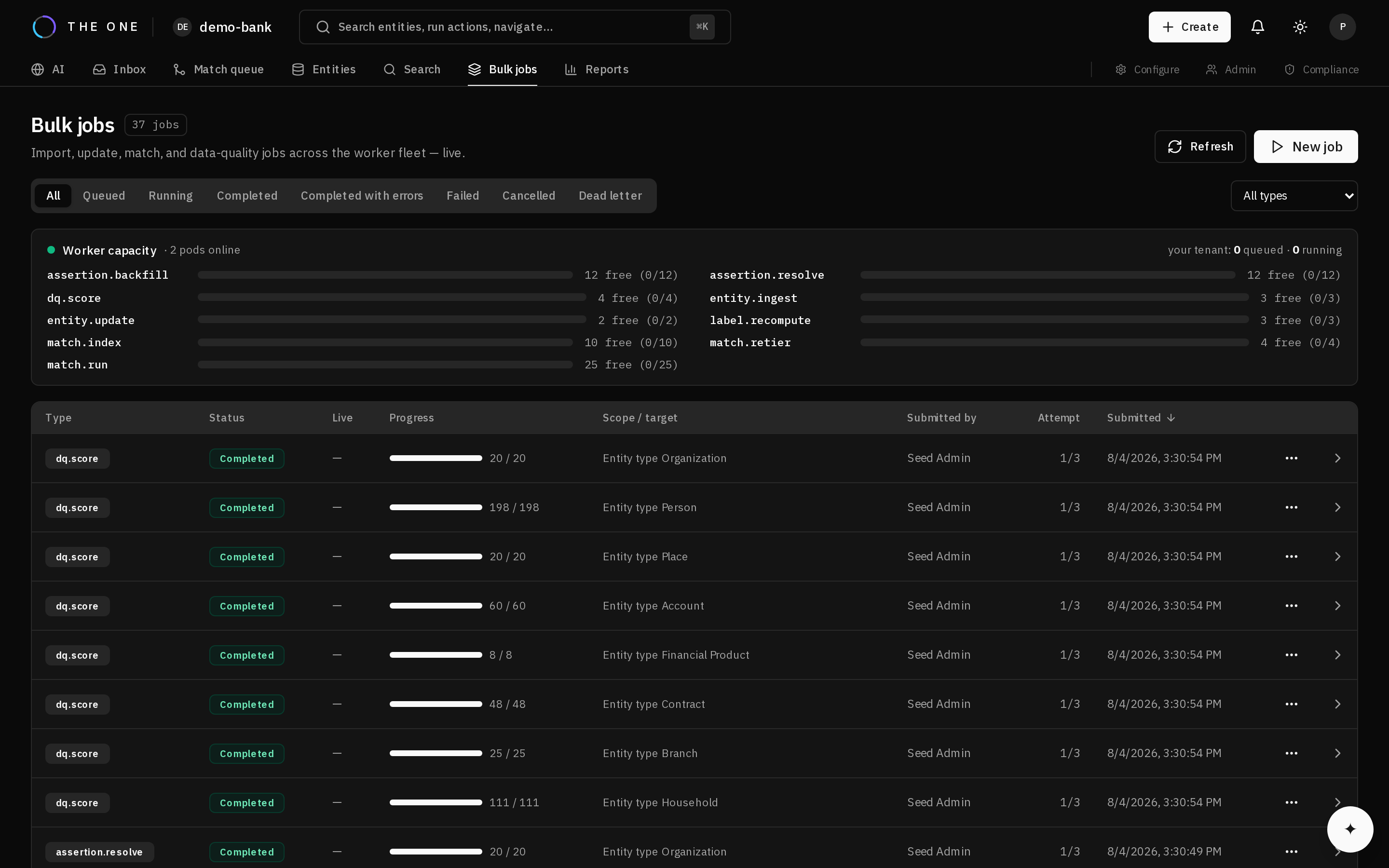 A running job reports its status and a live progress count; failures are listed per row.
The job reports a status, a progress count, and per-row errors.
Progress is derived from completed work rather than estimated, so it reflects reality — including when it stalls.
4. Handle failed rows
Partial success is normal and correct. Valid rows land; failures are recorded individually with their reason.
Read the failures before resubmitting. A large number of rows failing the same validation usually means the rule is wrong, not the data — and resubmitting unchanged data produces identical failures.
Fix and resubmit only the failed rows.
5. Match after loading
Match once the load is complete, not during.
The engine adjusts weights using how common each value is in your data. During a load those frequencies are of a fraction of the data, so values look rarer than they are and agreements score higher than they should. Records merge on evidence that later data would have weakened.
Load, then run maintenance to snapshot frequencies, then match.
6. Verify
- The job completed rather than stalling.
- The row count landed matches expectations, minus recorded failures.
- Spot-check a record: values standardized, lookups resolving, composites structured.